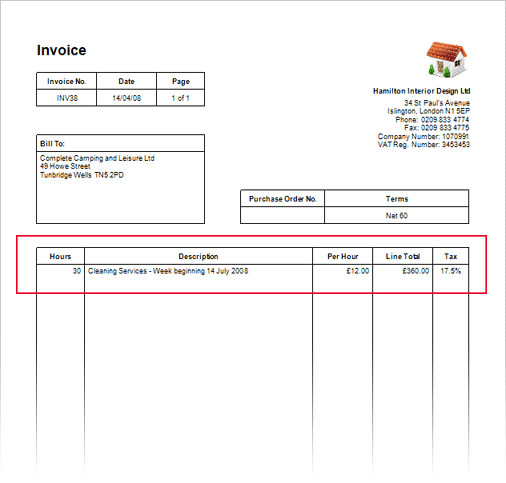
By default, the printed invoices in Solar Accounts include 'Quantity' and 'Unit Price' columns, but you can customise these column names to suit the type of business.
For example, a business that charges by the hour can have these columns:
To customise the invoice columns, click Setup > Invoice Template, then double-click on each column heading to edit the text:
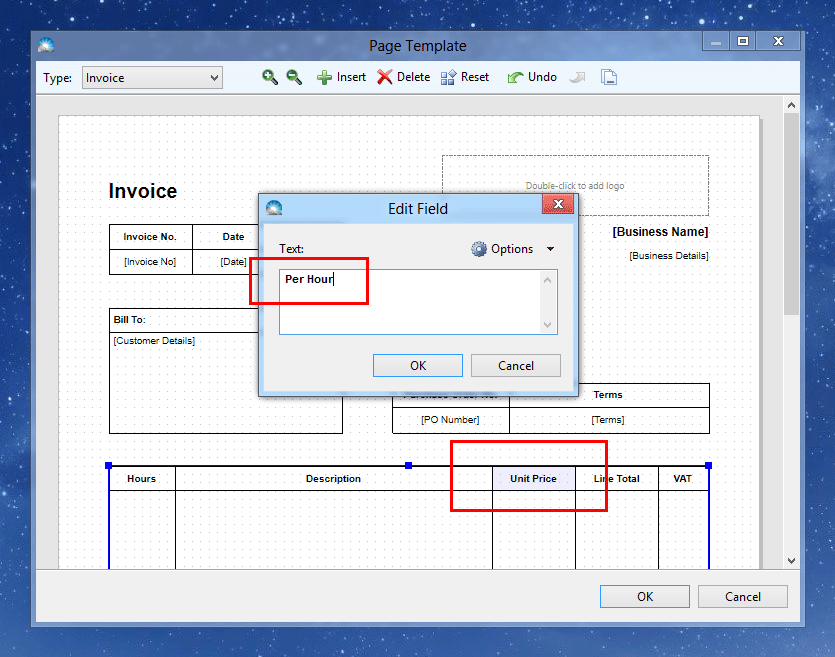
Change the column titles (and any other invoice fields) to suit your business, then click OK.
Invoices will now be printed with the new column names: