Sending a file by email requires that you 'attach' the file to an email message.
Luckily, almost all email programs have this feature.
Run your normal email program, then begin creating a new email message.
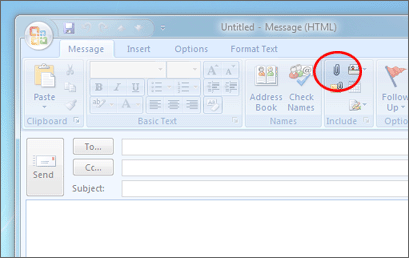
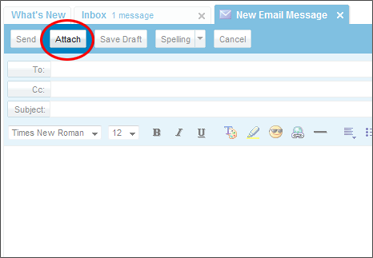
The attach button is normally located above the body of the message and often has a paperclip icon.
Here are examples of the Attach button in two popular email programs:
| Outlook 2007 | Yahoo Mail |
 |
 |
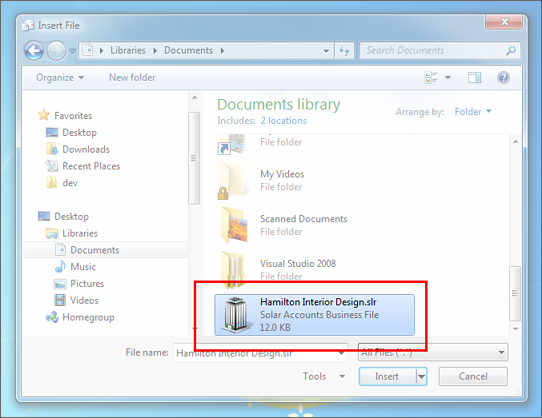
In the file window, double-click on the file you want to send. You may need to locate the correct folder in the list on the left of the window. Below is an example of the file window with a file selected.
Complete the subject and body of the message as normal, then send the email. If the file is large, you may find that the message takes a little longer than normal to be sent.
