
Simple Accounting Software
Solar Accounts is focused on UK businesses, including support for the new "Making Tax Digital for VAT" rules. Simply enter your financial data and submit your VAT return to HMRC.
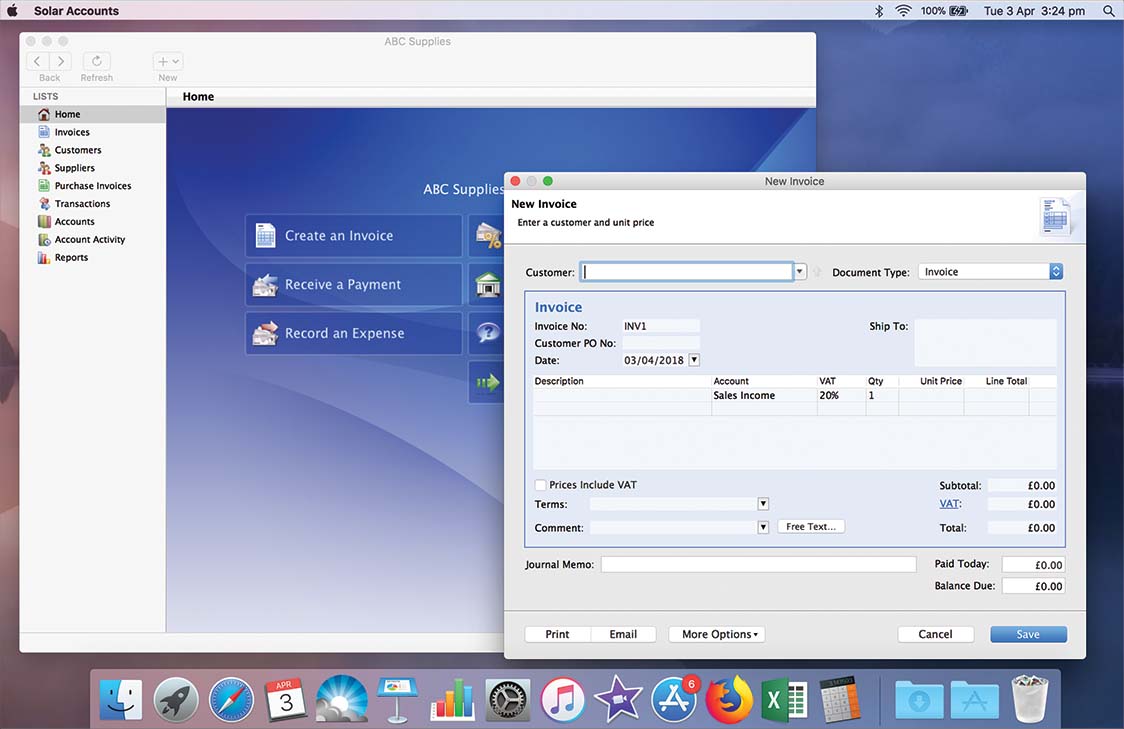
It's your data, so we let you store it where you like.
Store your data in the cloud to access it from any computer and have it automatically backed up
Store your data on your computer for ultimate security or if your internet connection is unreliable
Easily switch between online and offline mode - for example when boarding a flight without WIFI
Optional End-to-End Encryption prevents even Solar Accounts staff from viewing your online data
Supports MTD VAT returns, the Construction Industry Scheme and VAT Flat Rate Scheme
Share your business data with your colleagues or accountant at no extra cost.
Providing fantastic UK-based online support for the past 11 years
Double-entry accounting with powerful features to quickly give you the information you need
Print and email invoices in a foreign currency using an appropriate exchange rate
Link transactions to jobs and produce a Profit and Loss report for each job.
Solar Accounts quickly learns how to classify each bank account entry
Add your logo and easily customise layout of quotes and invoices
Track advance payments from customers and apply the correct VAT treatment
Include changes to a previous VAT return on your current return
Pricing shown below is for each business excluding VAT. Accountants and bookkeepers who manage at least 8 businesses receive a 30% discount.
Non-VAT-Registered Business
£11 Per MonthVAT-Registered Business
£25 Per MonthWith Solar Accounts there are no long term lock-in periods. To cancel your subscription just send us an email from your registered email address, and include your User ID